Stop watching,start knowing.
The AI YouTube video summarizer that saves hours.
AI Summary extracts the core insights, key ideas, and complete transcripts from any YouTube video instantly. Navigate with clickable timestamps, chat with content, and export notes — all in one free YouTube video summarizer extension.
Try it now in 3 seconds
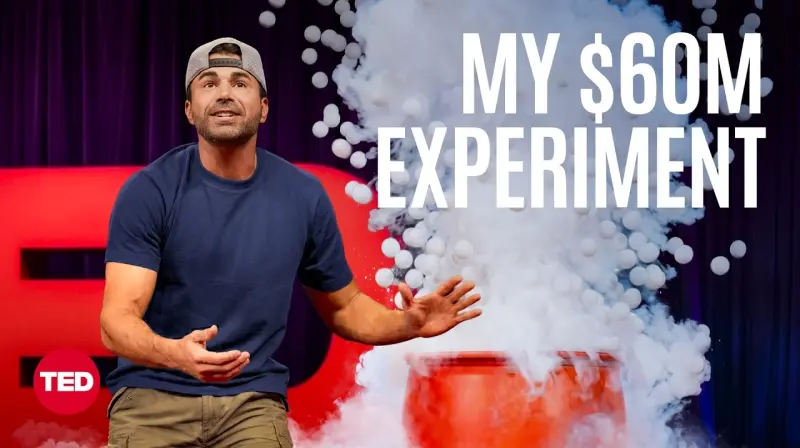
Mark Rober’s $60 Million Science Experiment | TED
Stop scrubbing timelines
The Old Way
- ✕Scrubbing through hours of video seeking the exact moment you need.
- ✕Pausing every 30 seconds to type manual notes and transcription.
- ✕Forgetting key details and failing to document what you learned.
With AI Summary
- ✓Scan a timestamped outline in 10 seconds and jump straight to the correct segment.
- ✓Export complete transcripts and formatted summaries in one click.
- ✓Sync notes directly to your Notion or Obsidian workspace.
How to get a transcript and summary from a YouTube video
Get started in less than a minute. No registration required.
Add to Chrome
Install the free extension from the Chrome Web Store with one click.
Open YouTube
Navigate to any lecture, stream, or video you want to study.
Click Summarize
Press the "Summarize" button in your new sidebar widget and start learning.
Everything you need to master long videos
Built for professionals who value their time. We do the heavy lifting so you can focus on learning.
Instant Video Summarization
Generate clean, structured outlines with a single click. As an AI YouTube video summarizer, it lets you adjust summary lengths from a quick TL;DR to a deep-dive breakdown to fit your study flow.
Chat with Any Video
Ask specific questions directly in the sidebar. Ask: "What is the nitrogen explosion demonstration?" or "Explain the $60M curriculum project" to get instant answers.
Extract Transcripts to Text
Convert spoken audio into highly readable, clean text documents. Get the transcript of any YouTube video to text instantly, perfect for deep research, generating captions, or repurposing content.
Frequently Asked Questions
Have questions about AI Summary? Here is how it works.